
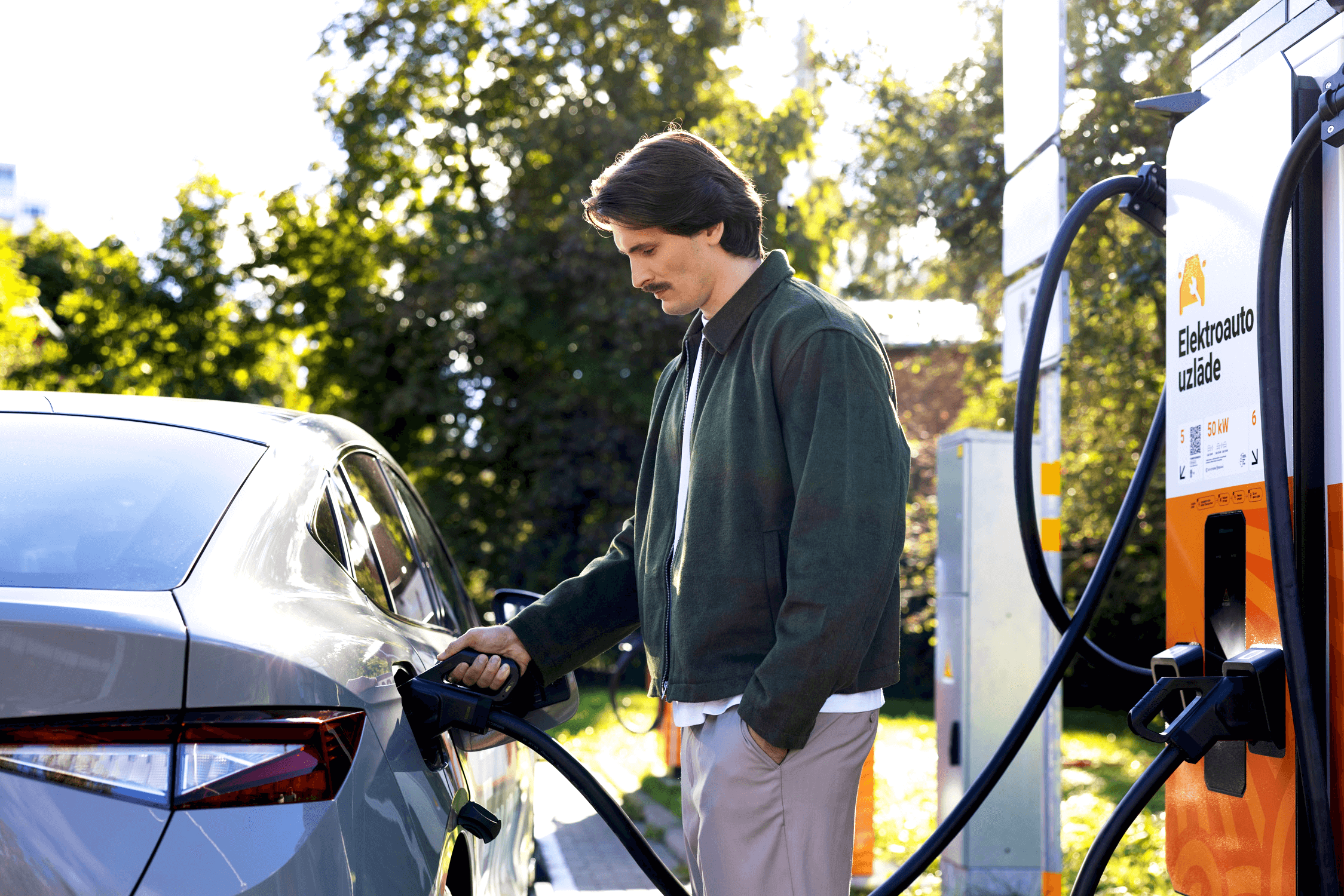
Recharge now, pay instantly!
This solution allows you to pay for charging your electric car by adding a payment card to your profile on the Elektrum Drive mobile app.
Instant payment is a suitable payment solution for you if you want quick registration, or if you prefer to pay immediately after the receipt of the service. Instant payment is available after authentication with the Elektrum Drive mobile app. Read the terms and conditions of use for the Elektrum Drive app.
We provide:
- charging at all charging stations available on the Elektrum Drive mobile app;
- an overview of the charging performed during the respective period available on the Elektrum Drive mobile app.


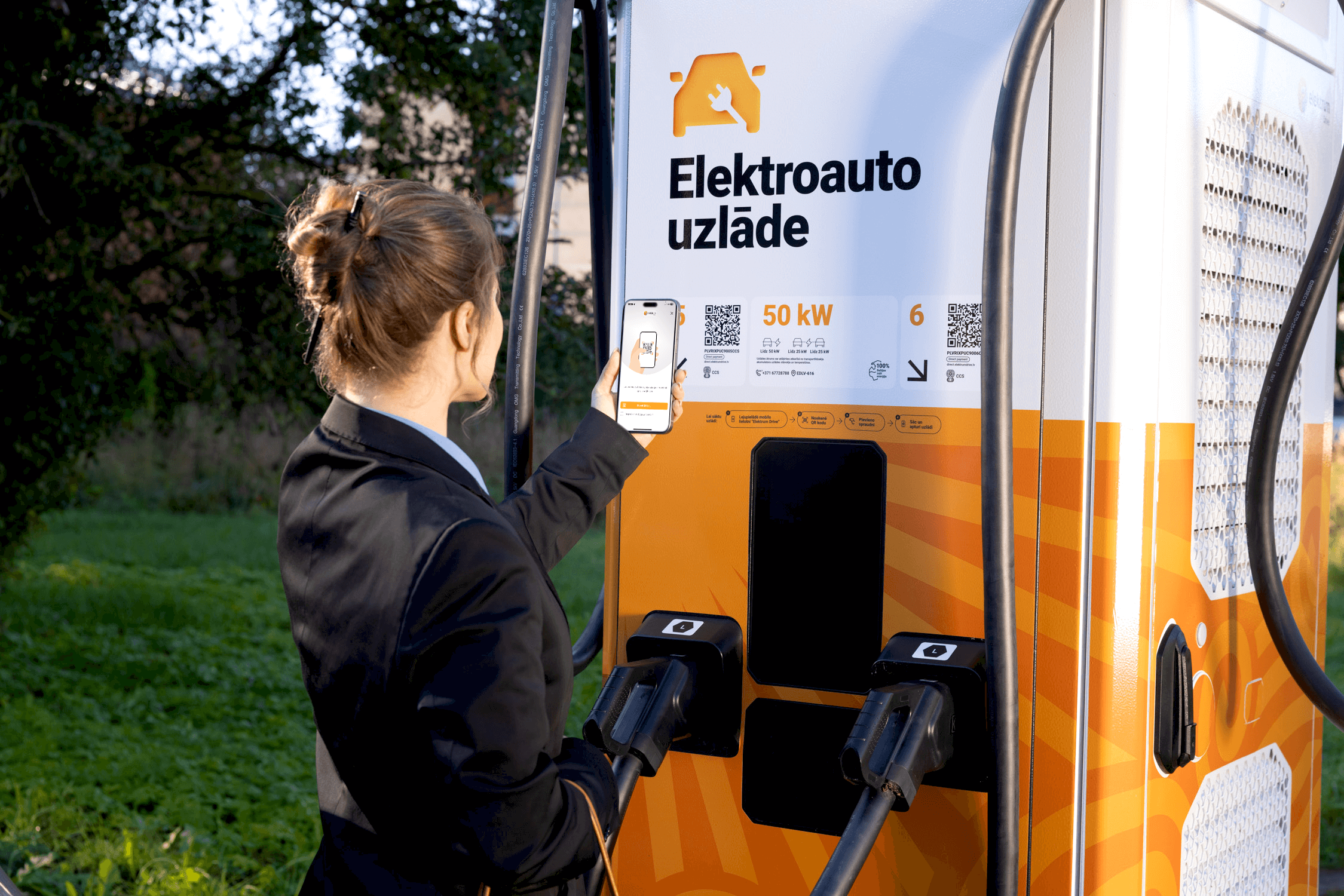
Contactless payments at charging stations
Contactless payments allow you to start charging your electric vehicle quickly and conveniently using a payment card or another contactless method. No registration or mobile app is required.
- Select the connector number on the payment terminal.
- Tap your payment card or other contactless method to authorize the payment.
- Connect the charging cable to your vehicle to begin charging.
- To stop charging, press STOP and tap the same payment method used to start the session.
Read instructions and the terms and conditions for use of contactless payments
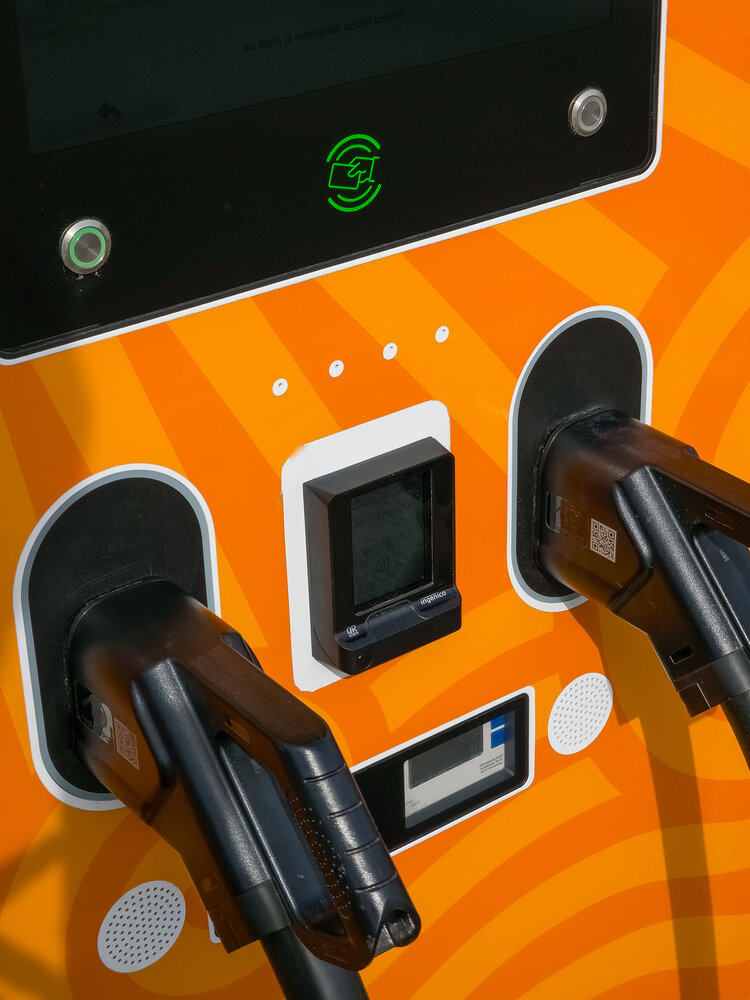
Charging without registration
If you do not wish to register or download the app, use the direct payment charging option. It is a quick and secure way to charge your electric vehicle in just a few simple steps on your smartphone.
- Scan the QR code on the charging station or manually enter the provided web link.
- Accept the terms of use.
- Select your preferred limit amount and authorize the card payment.
- Stop the charging at any time by pressing the "Stop charging" button.
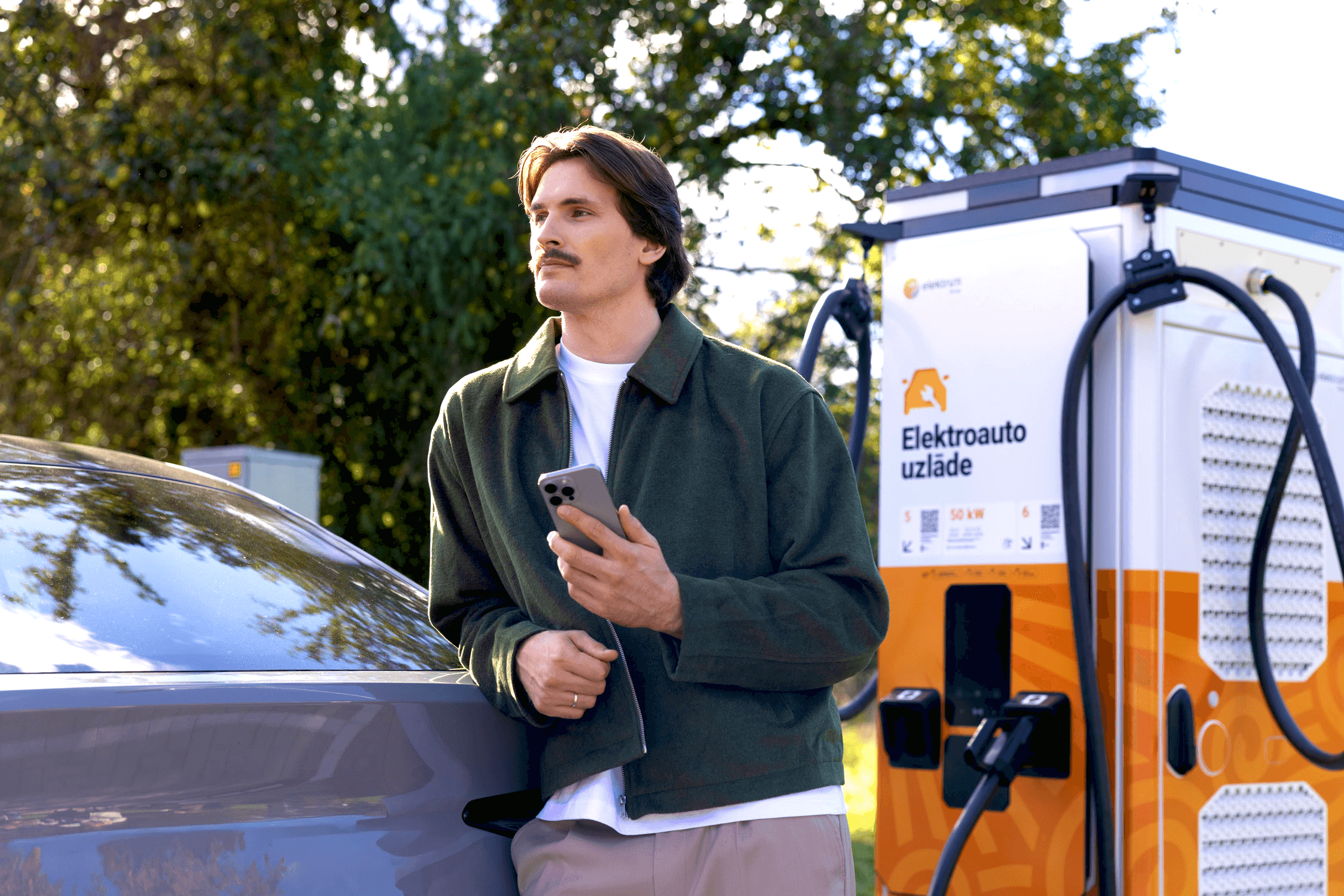
How to charge with the Elektrum Drive mobile app?
Five steps to take into account before you perform your first charge at an Elektrum Drive electric vehicle charging station.